Why Does the Radio Show SAFE or CODE?
Car radios lock themselves automatically whenever they lose power from the vehicle's battery. This factory anti-theft security system assumes the unit may have been removed or stolen, so it refuses to play until the correct radio unlock code is entered again. Common triggers include:
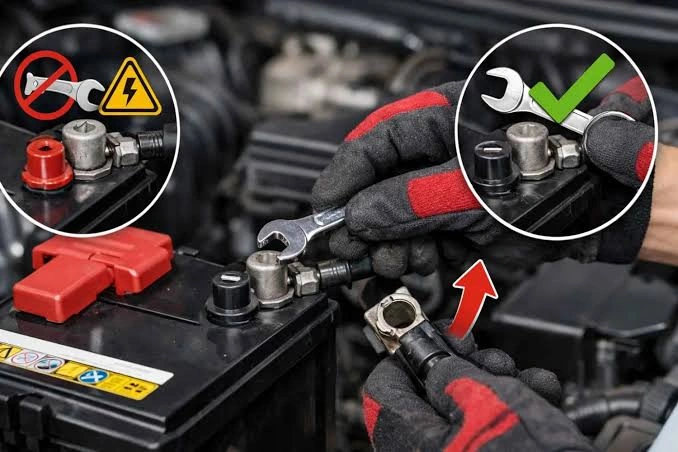
- Disconnecting or replacing the car battery
- A blown fuse cutting power to the head unit
- The radio being uninstalled and reinstalled after a repair
- The car's 12V battery going completely flat
How to Fix It — Entering the Radio Unlock Code
Once you have your correct code, unlocking the radio only takes a minute:
1
Turn on the radio. The display shows CODE, SAFE, or four dashes.
2
Enter your 4-digit unlock code using the radio's number or preset buttons.
3
Confirm the entry — usually with the last preset button or a Source/Enter button.
4
The radio unlocks immediately and resumes normal playback.
Don't have your radio code? You can retrieve it using your car's VIN number or the radio's serial number — get your radio code here.
Common SAFE / CODE Problems
Radio shows
0000 but won't let me type
This usually means the system is still processing a previous attempt or reboot cycle and hasn't
returned control to the keypad yet.
Solution
Press and hold the Power button for about 10 seconds to force a reboot of the
radio system. Wait a minute after rebooting before entering the code again.
Unit Locked — permanent lock
After 10–12 incorrect attempts, some radios lock permanently.
If the screen says Locked with no countdown timer, more attempts won't help.
Solution
This requires a specialist to reset the unit's EEPROM chip manually. Confirm your code is
correct before attempting entry again — every wrong try counts toward the permanent lock.